
How to keep a swipe file on your phone

Ari, founder of Tessori · Updated November 1, 2026
A swipe file is a collection of examples you want to learn from: ads, headlines, video hooks, designs, thumbnails, emails. The name comes from copywriters, who kept folders of ads they liked. To keep one on your phone, save each example the moment you see it, tag it by what it is and why it works, and open those tags when you sit down to make something. The point isn’t to copy; it’s to never start from a blank page.
What goes in a swipe file
- The first three seconds of a video that made you stop scrolling
- A headline or caption you wish you’d written
- An ad, a landing page or an email that made you want the thing
- A thumbnail, a layout, a color pair
Save it with a line about why it works. A month later, “why” is the part you’ll have forgotten.
How to tag it so you use it
Tag each example two ways: what it is (Hooks, Thumbnails, Ads, Headlines) and what it’s good for (Launch, Story, Humor). Then “hooks for a launch” is two tags away.
How to keep one in Tessori
Tessori is a notes app for iPhone and Android made for finding things again: combine tags, dates and filters into searches that show exactly what you want to explore right now. Instagram, TikTok, YouTube and X links come with a preview, and every note shows its tags.
1. Save examples from any app
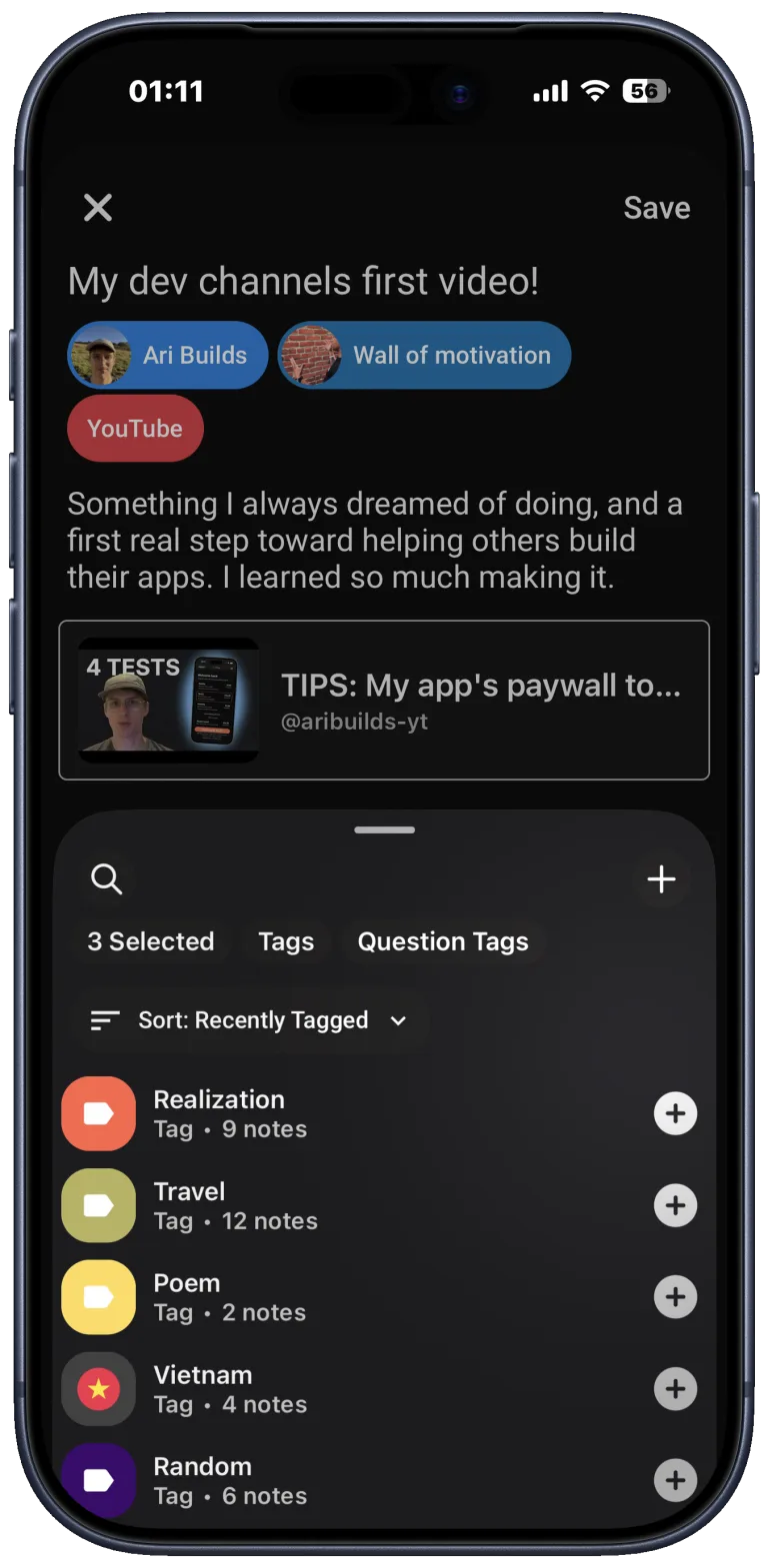
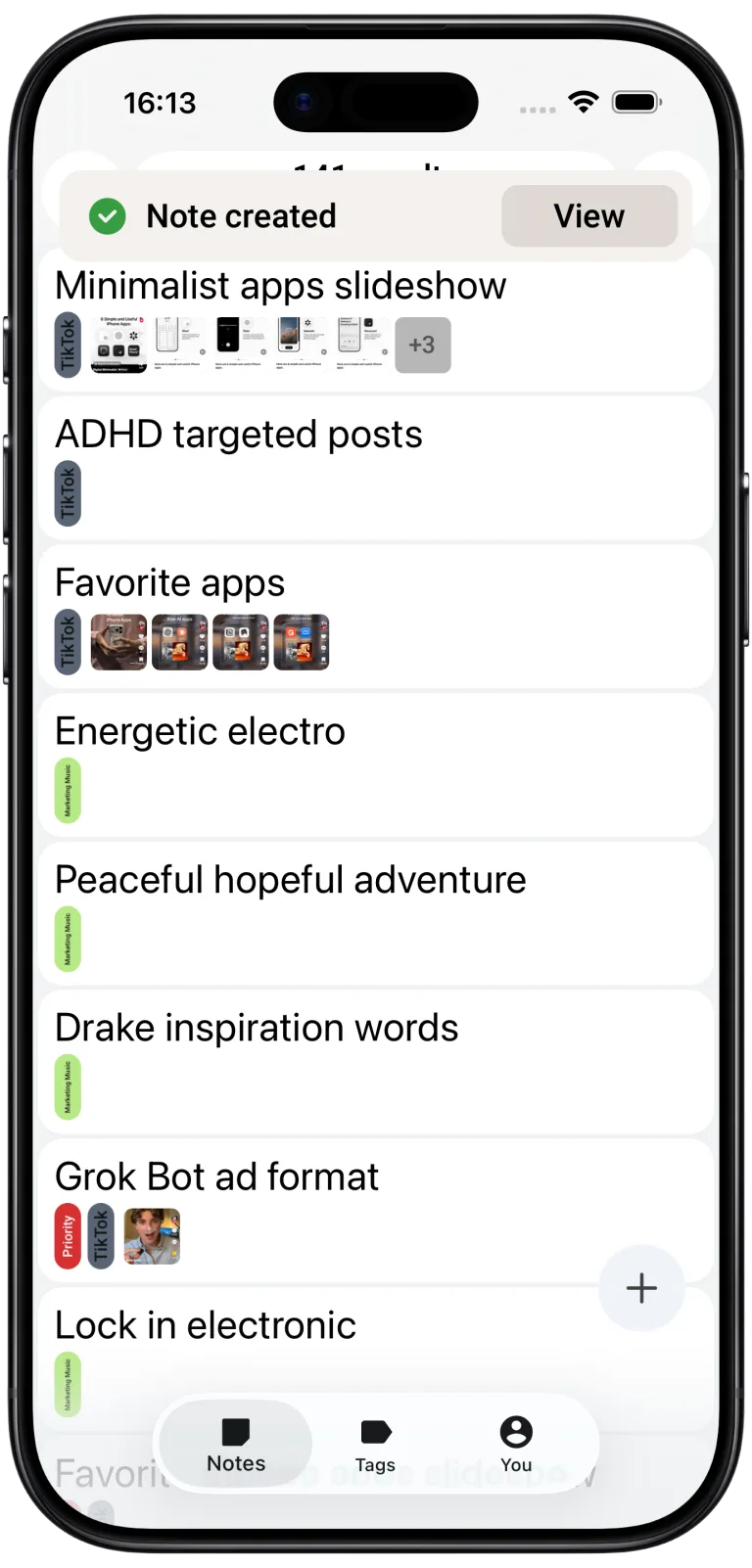
Share the post or video to Tessori and add it to a new note. Tap its tags, add a line on why it works, and tap Create.
2. Keep a search for what you’re working on
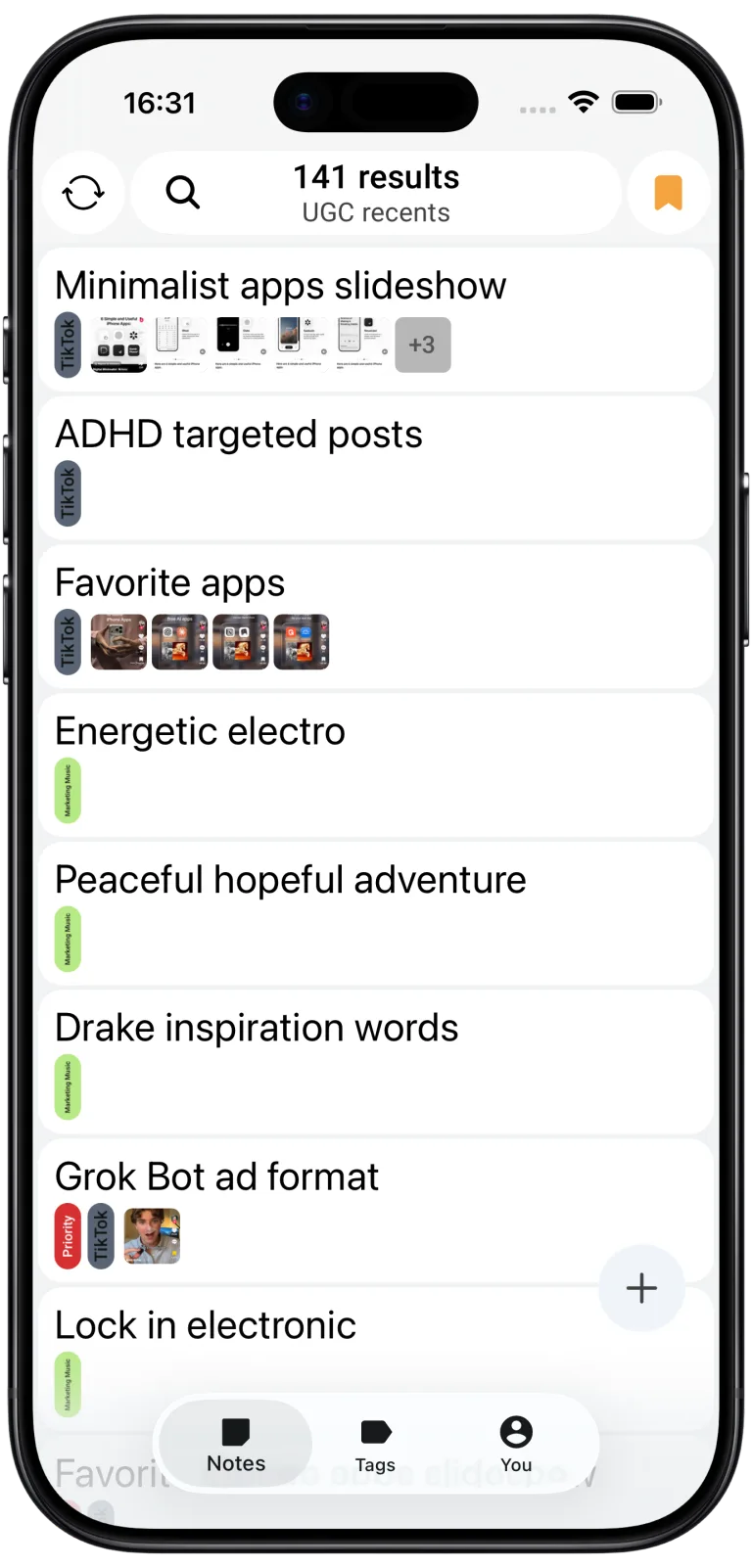
In search, pick the tags for your current project, tap Search, then Save search and name it. It stays on while you work, and you can keep saving new examples without losing your place. See it step by step.
3. Flip through it for ideas
Tap Toggle gallery in the search panel to see one example at a time, or sort by Shuffle to bring back ones you forgot.
Questions
Is a swipe file the same as copying?
No. You study why something works, then make your own. Keeping examples from outside your field helps too: it’s hard to copy something made for a different job.
Is Tessori free?
Tessori Local is free on iPhone and Android and keeps your notes on your phone. Tessori Plus is an optional subscription that adds sync across your devices, Tessori Web, and encryption with a password only you hold.
Good things deserve to be found again.
Available now on iPhone and Android.

iPhone · Available now

Android · Available now