
How to find an image you saved months ago

Ari, founder of Tessori · Updated November 1, 2026
Start with what you’re sure of, not what you think you named it. If you remember words that were in the image, search for them in your Photos app, which reads text inside pictures. If you remember the topic, open that tag or album. Otherwise, narrow down to notes or photos with images from around when you saved it, and skim them as small thumbnails. You’ll recognize it faster than you can describe it.
Why you can’t find it
You search the way you think you filed it, and you filed it some other way. Or the thing you remember, like the account that posted it, is written inside the image, where most searches don’t look.
In your Photos app
Search for a word you remember from the image: Photos on iPhone and Google Photos both read text inside pictures. You can also search for what’s in it, like “beach” or “receipt”, or scroll the month you think you took it.
In Tessori
Tessori is a notes app for iPhone and Android made for finding things again: combine tags, dates and filters into searches that show exactly what you want to explore right now. You can search by what you remember about a note, not only by how you tagged it. The full story is here, step by step.
1. Start with the tag you remember
On the Notes tab, tap Customize list? at the top, then Edit Tags, and pick the tag you think you used, then tap Search. If it’s there, you’re done.


2. Search the words you remember
Search looks in each note’s title and description. If the words were only inside the image, like a handle on a screenshot, you won’t find it this way, so go on to the next step.
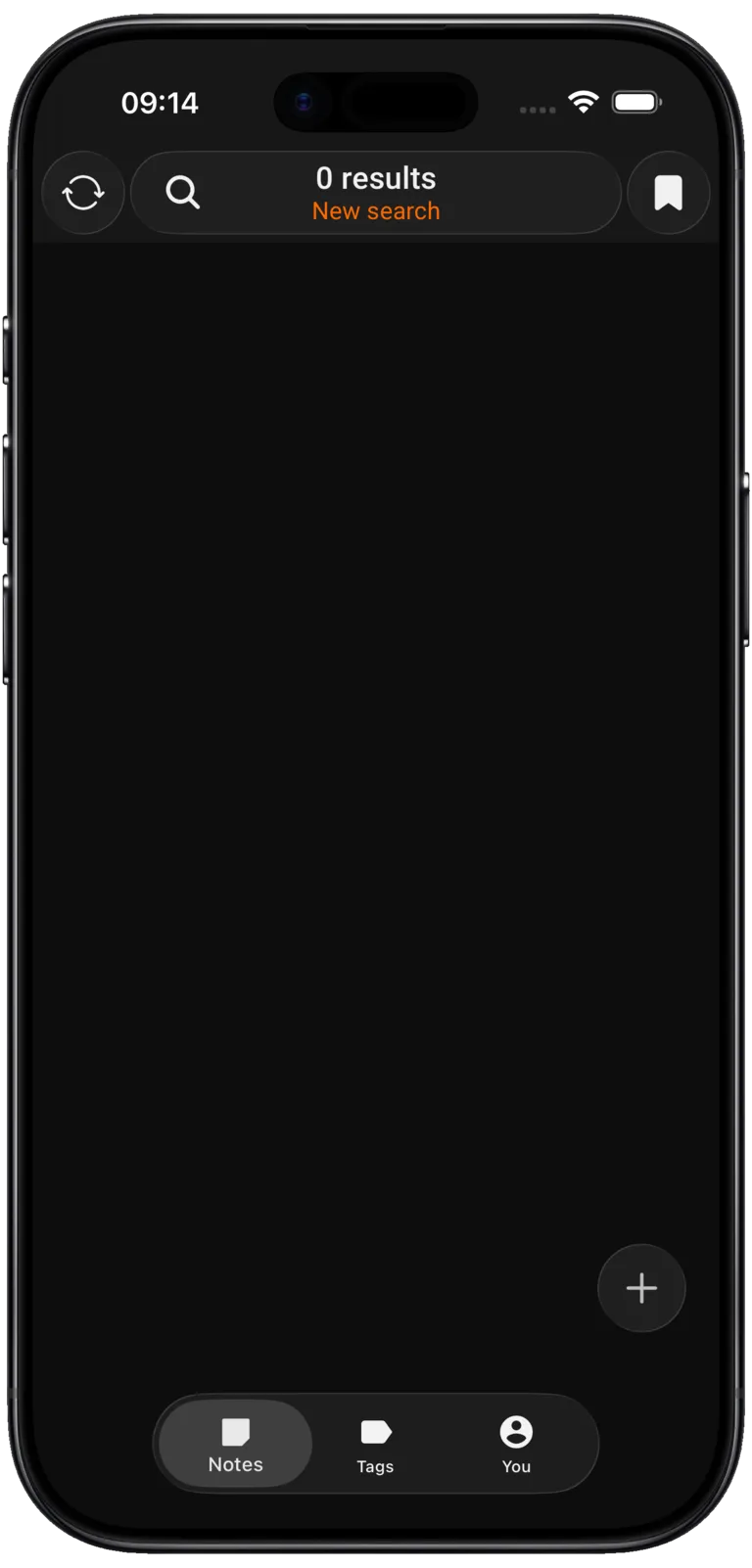
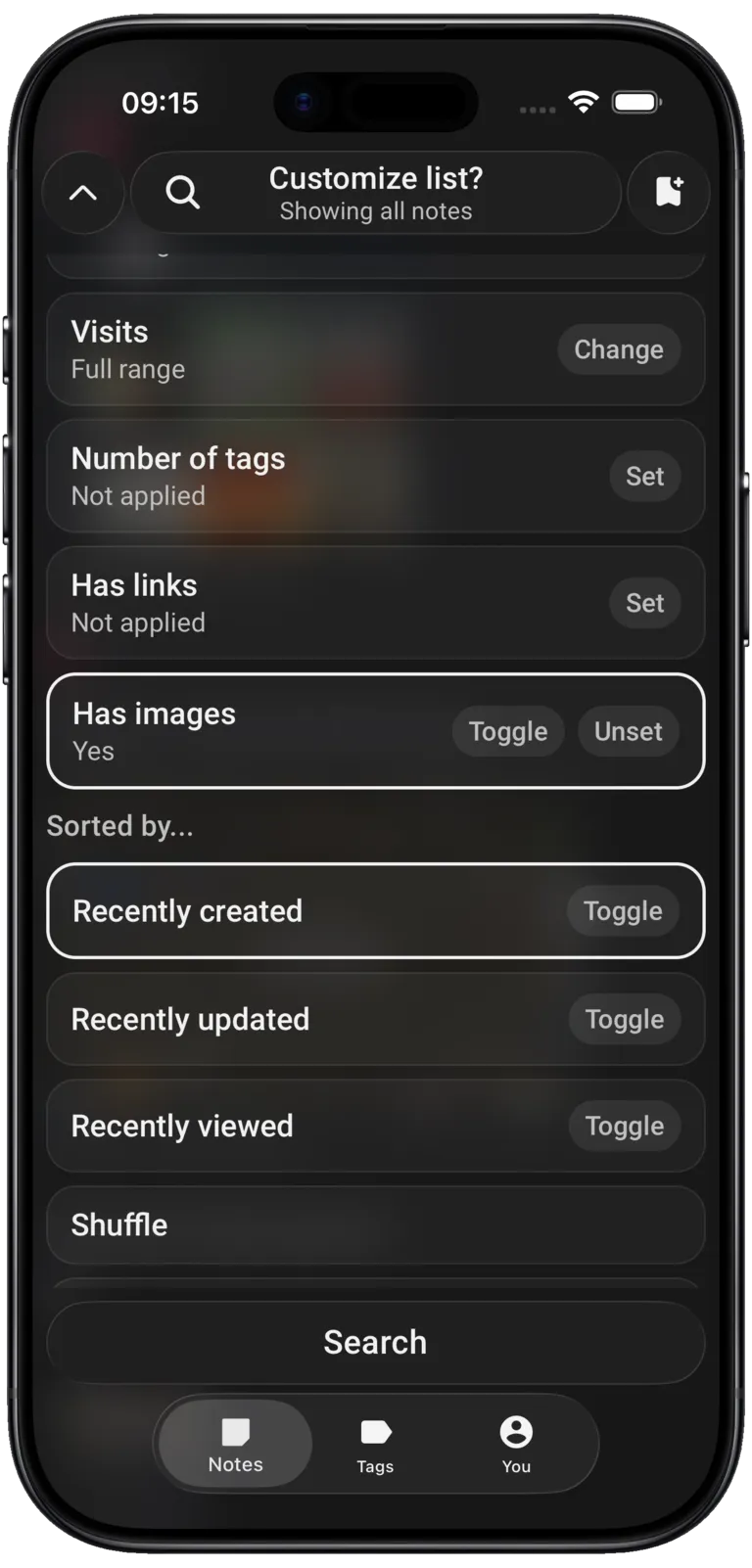
3. Filter by what you’re sure of
Tap Reset search, set Has images to Yes, and sort by Recently created, or by Recently viewed if you remember opening it lately.
4. Skim with Minimal list mode
In Settings → Search, turn on Minimal list mode. Each note becomes one line with its tags and image thumbnails, so you can skim hundreds in seconds.

So it’s easier next time
When you save an image, add one line about what’s in it or who made it. Text search will find that line, even when the image itself can’t be searched.
Questions
Can Tessori search the text inside an image?
No. Tessori searches a note’s title and description, so add a line about the image when you save it. Your Photos app can search text inside pictures.
Is Tessori free?
Tessori Local is free on iPhone and Android and keeps your notes on your phone. Tessori Plus is an optional subscription that adds sync across your devices, Tessori Web, and encryption with a password only you hold.
Good things deserve to be found again.
Available now on iPhone and Android.

iPhone · Available now

Android · Available now